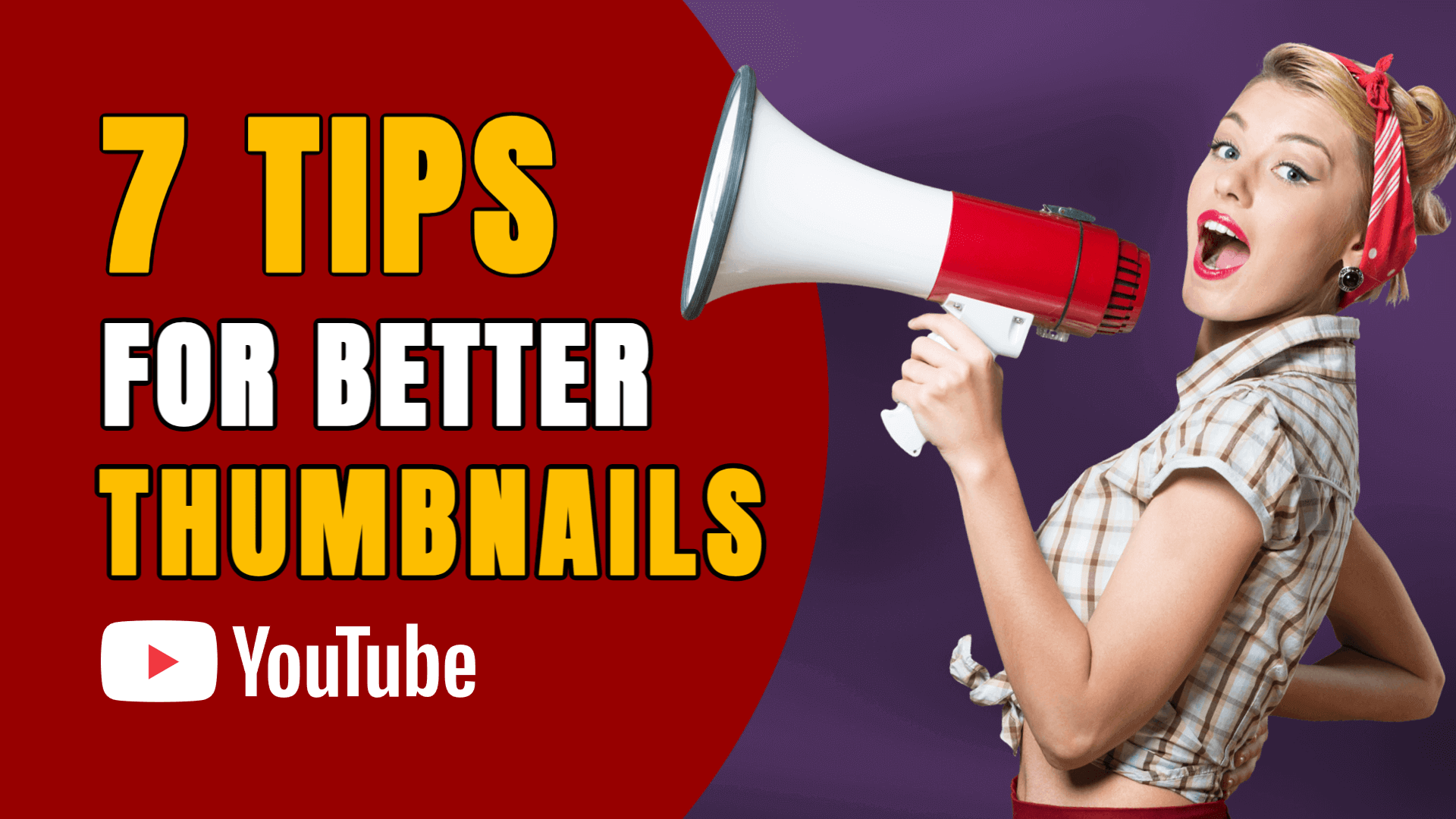
A YouTube thumbnail is the first impression viewers get of your video — and in most cases, it determines whether they click or keep scrolling. A strong thumbnail increases visibility, improves engagement, and communicates the value of your video instantly.
Many creators struggle because their thumbnails look unpolished, low-quality, or inconsistent. The good news? You don’t need to be a professional designer to create scroll-stopping thumbnails. Today’s free online tools make it easy to design bold, clickable thumbnails in minutes.
Below are the 20 best free websites to create YouTube thumbnails, starting with the most versatile and completely free platform.
1. Sketchready — https://sketchready.com/
Sketchready is the top choice for designing YouTube thumbnails thanks to its clean, modern design interface and complete creative freedom. It includes a ready-made 1280×720px YouTube thumbnail template, along with templates for social posts, banners, book covers, documents, and more.
Every feature is free — text tools, color controls, shapes, layers, images, and high-resolution exports in PNG, JPG, WebP, SVG, and PDF.
Sketchready is perfect for creators who want professional-quality thumbnails that stand out and support a polished YouTube brand.
2. Canva — https://www.canva.com/
Offers thousands of eye-catching YouTube thumbnail templates with easy customization.
3. VistaCreate — https://create.vista.com/
Provides vibrant layouts, bold fonts, and dynamic visuals ideal for click-worthy thumbnails.
4. Snappa — https://snappa.com/
Includes ready-made YouTube dimensions and quick editing tools for beginners.
5. Pixelied — https://pixelied.com/
Modern templates and strong visuals make it great for entertainment, commentary, and educational creators.
6. Fotor — https://www.fotor.com/
Offers filters, effects, and templates perfect for personality-driven or lifestyle thumbnails.
7. Pixlr — https://pixlr.com/
A Photoshop-like browser editor ideal for advanced creators who want full control.
8. BeFunky — https://www.befunky.com/
Simple and powerful with creative effects and standout text styling.
9. Photopea — https://www.photopea.com/
A favorite for those who want to edit PSD files or create layered thumbnails.
10. Adobe Express — https://www.adobe.com/express/
Includes clean templates and professional design features backed by Adobe’s design quality.
11. Glorify — https://glorify.com/
Fast and modern, offering bold templates that make thumbnails look sharp and engaging.
12. Kapwing — https://www.kapwing.com/
Ideal for combining video frames, text, and motion-inspired design elements.
13. FotoJet — https://www.fotojet.com/
Simple drag-and-drop layouts for clean, minimalistic YouTube thumbnails.
14. Crello — https://crello.com/
Bright, fun templates perfect for entertainment content, vlogs, and lifestyle creators.
15. DesignCap — https://www.designcap.com/
Structured templates ideal for tutorials, tech reviews, business content, and educational creators.
16. Piktochart — https://piktochart.com/
Best for creators who include stats, visuals, or data-driven content in their thumbnails.
17. MockoFUN — https://mockofun.com/
Strong typography tools and creative effects perfect for big, bold title designs.
18. Stencil — https://getstencil.com/
Simple and lightweight, ideal for quick thumbnail creation with minimal effort.
19. DocHipo — https://www.dochipo.com/
Fresh, modern design platform with stylish YouTube thumbnail templates.
20. Visme — https://www.visme.co/
A dedicated YouTube thumbnail tool offering 1280×720 templates and quick text-and-image editing.
Why YouTube Thumbnails Matter
- They increase click-through rates: A bold thumbnail draws attention and convinces viewers to choose your video over others.
- They strengthen your channel identity: Consistent visuals help viewers instantly recognize your content in their feed.
- They communicate value quickly: A great thumbnail clearly shows what your video is about — before anyone reads the title.
- They help videos perform better overall: More clicks lead to better watch metrics, which often improves visibility across the platform.
- They set viewer expectations: A polished thumbnail gives viewers confidence that your video is worth their time.
Final Thoughts
A well-designed YouTube thumbnail can dramatically transform how your content performs. Whether you're a new creator or an experienced video producer, these free tools help you create powerful, attention-grabbing thumbnails without needing advanced skills or expensive software.
Sketchready leads the list thanks to its complete creative flexibility, modern templates, and high-resolution export options — all completely free.
Start designing your thumbnails today and give your videos the visual impact they deserve.