Good design is no longer optional. Whether you’re a YouTuber creating thumbnails, a small business owner posting on Facebook, a blogger working on OG images, or a student designing a presentation — your visuals shape how people perceive your message.
The good news? You don’t need to be a professional designer to create eye-catching, scroll-stopping graphics. With the right techniques and the right tools (like Sketchready, a 100% free graphic design platform), anyone can create clean, beautiful, high-impact visuals in minutes.
Here are the 10 best graphic design tips every creator should know — simple, practical, and perfect for beginners.
1. Start With a Template That Matches Your Goal
Great design starts with the right canvas size and layout. Using a template saves time and ensures accuracy.
Sketchready offers free templates for popular formats like:
- YouTube Thumbnail — 1280×720px
- Instagram Portrait — 1080×1350px
- Blog OG Image — 2400×1260px
- Facebook Post — 1200×630px
- YouTube Shorts — 1080×1920px
Templates instantly give you structure and help maintain balance in your design.
2. Stick to a Simple Color Palette
Color defines mood. Instead of using a rainbow of shades, choose:
- One primary color
- One secondary color
- One accent color
This creates a clean and cohesive style.
3. Choose Fonts That Work Together
Typography is one of the most visible parts of design. Keep it simple:
- One bold or display font for headlines
- One clean, readable font for body text
Avoid mixing more than two fonts. Font consistency builds trust and professionalism.
4. Use High Contrast for Readability
If viewers can’t read your text instantly, they scroll past.
Use high contrast like:
- White text on dark backgrounds
- Dark text on light backgrounds
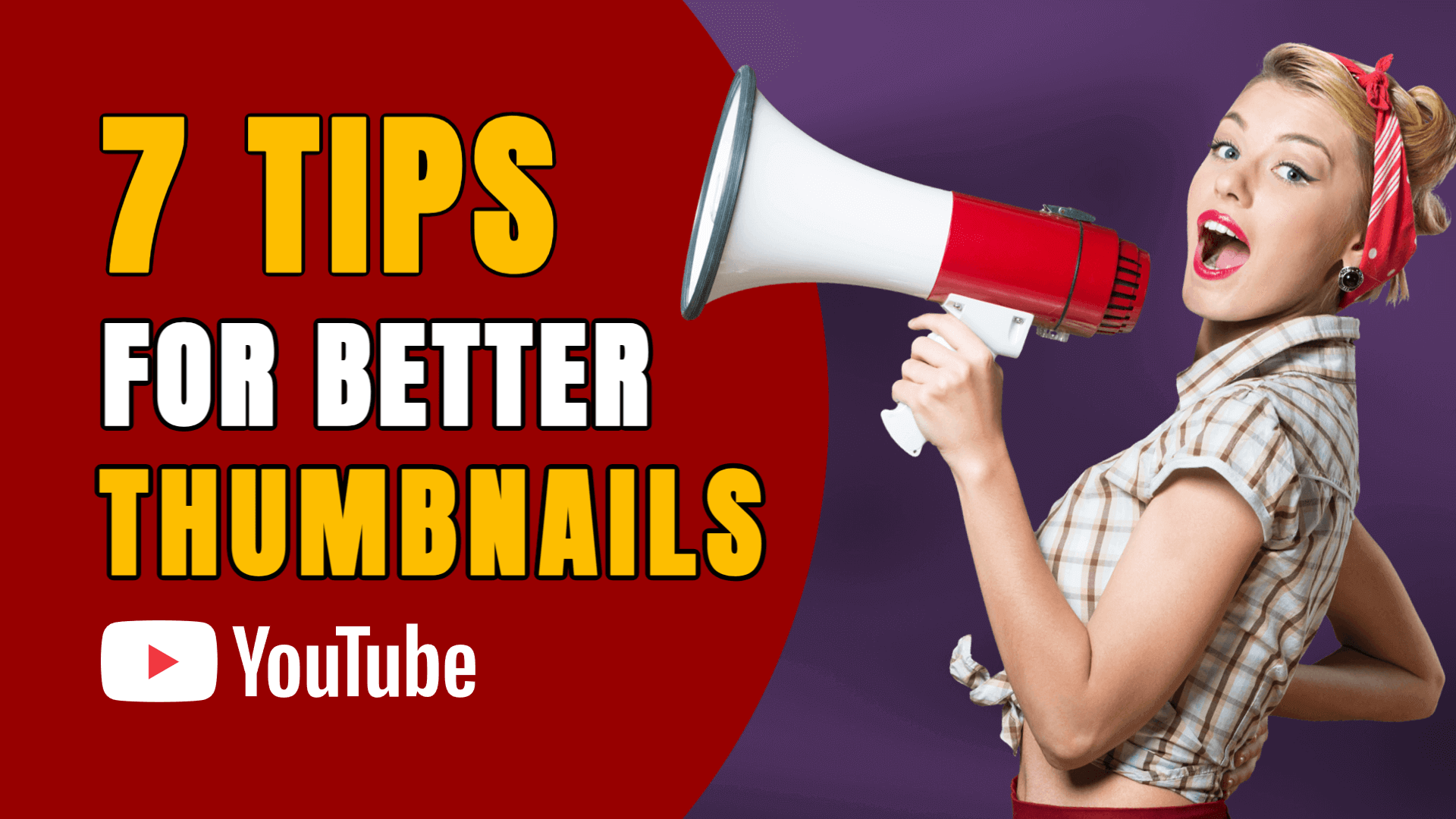
This tip is essential for YouTube thumbnails, ads, and Instagram posts.
5. Master the Art of White Space
White space is the empty breathing room around elements. It prevents your design from feeling crowded or chaotic.
Remember: Empty space increases impact.
If your design feels “busy,” remove something — don’t add more.
6. Create a Clear Visual Hierarchy
Hierarchy guides the eye. Decide what’s most important, then make it:
- Bigger
- Bolder
- Brighter
- More central
This ensures the viewer sees your main message first — crucial for thumbnails, banners, and ads.
7. Keep Your Designs Consistent
Brand consistency builds recognition. Use:
- The same color palette
- The same fonts
- The same style of imagery
- Unified spacing and alignment
8. Choose Clean, High-Quality Images
Blurry, pixelated, or low-contrast images weaken your design instantly.
Use high-quality photos that:
- Match your theme
- Support your message
- Don’t overpower your text
Good images elevate your design even before adding typography or icons.
9. Align Everything — Even Slight Misalignment Shows
Misalignment is one of the most common beginner mistakes.
Use alignment tools to:
- Center elements
- Match edge spacing
- Snap shapes and text together
Proper alignment can transform a design from “amateur” to “professional” in seconds.
10. Export in High Resolution for Maximum Sharpness
Always export your graphics at high quality. Sketchready lets you download for free in:
- PNG
- JPG
- WebP
- SVG
This ensures your designs look crisp on every platform — whether it’s a YouTube banner, a Facebook post, or a printed book cover.
Final Thoughts
Great design doesn’t require expensive tools or years of practice. With simple principles — color, spacing, typography, hierarchy — anyone can create professional-looking graphics that attract attention and communicate clearly.
And with free tools like Sketchready, you can apply these tips instantly using free templates, fast editing features, and high-resolution exports.