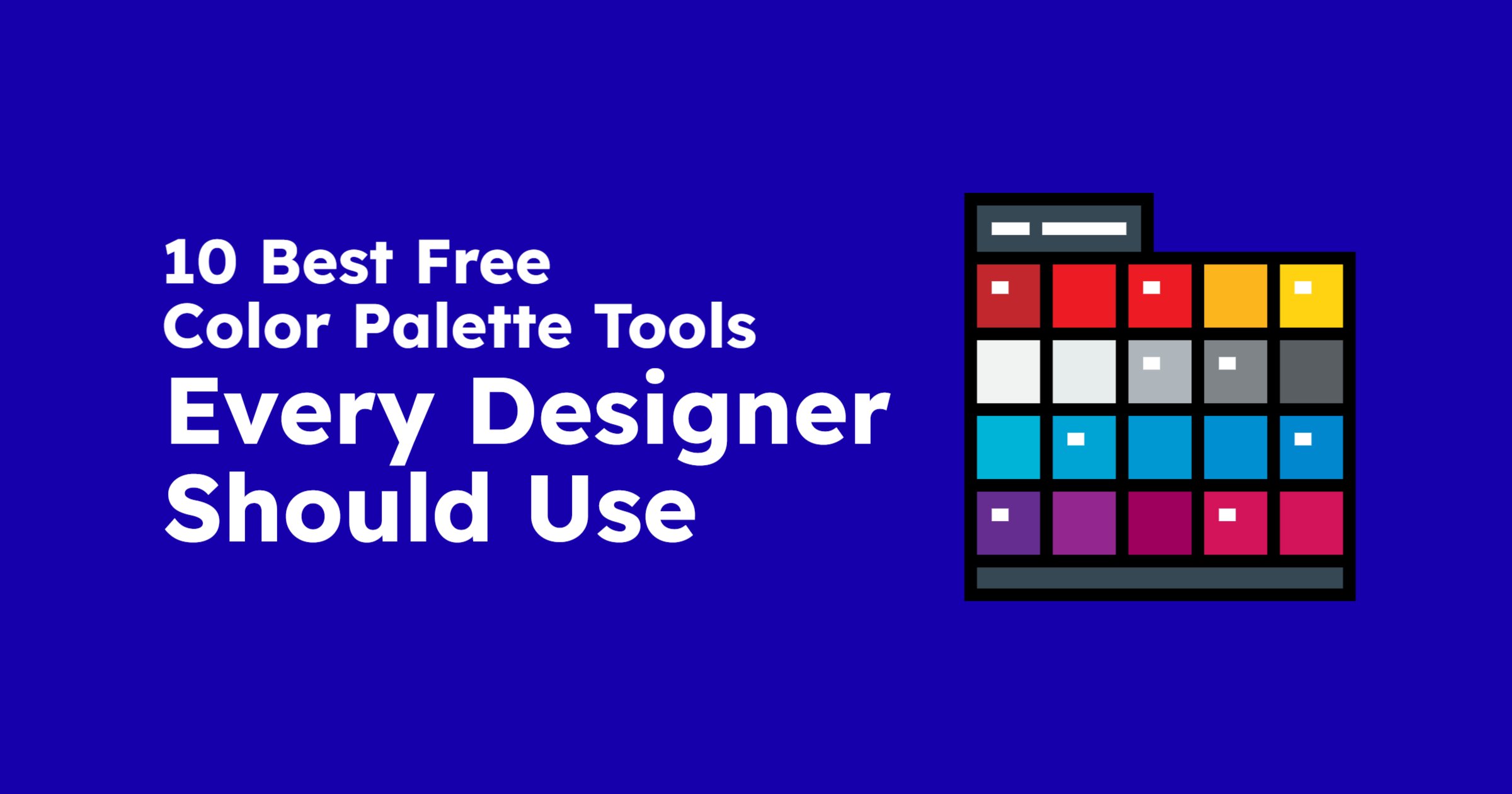
Color is one of the most powerful elements in design. It influences mood, communicates personality, and creates visual harmony. Whether you’re working on branding, thumbnails, social media posts, or UI design, choosing the right palette is crucial.
To help you elevate your visuals, here are the 10 best free color palette tools used by designers, creators, and marketers worldwide — complete with links to their official websites.
1. Coolors
Coolors is one of the fastest color palette generators available. Hit the spacebar and get instant palettes, lock colors you like, export easily, and browse trending color combinations.
Best for: fast palette generation & inspiration
2. Adobe Color
Adobe Color provides precise, theory-based color creation using complementary, triadic, analogous, and other harmony rules. You can also extract palettes from images and explore community creations.
Best for: professional, rule-based color creation
3. Color Hunt
Color Hunt offers thousands of beautiful, ready-made palettes curated by designers. Browse trendy, pastel, dark, and aesthetic themes with ease.
Best for: quick inspiration & themed palettes
4. Khroma
Khroma uses AI to learn which colors you like and then generates endless palettes based on your preferences. The more you interact, the smarter it gets.
Best for: personalized, AI-powered color suggestions
5. ColorHexa
ColorHexa is like a “color encyclopedia.” Enter any color — hex, RGB, HSL — and it instantly provides tints, shades, tones, complements, triads, gradients, alternatives, and even CSS codes. It’s extremely detailed and perfect for designers who want deeper technical control.
Best for: deep color breakdowns, tints, shades & technical color analysis
6. Eva Design System Color Generator
This tool automatically generates complete, balanced color palettes following the Eva Design System. Just select a base color, and it gives you a full set of light/dark variations and theme-ready palettes. Ideal for UI/UX designers who want a clean, modern system.
Best for: UI/UX designers needing full, theme-ready color systems
7. Canva Color Palette Generator
Upload any image, and Canva instantly extracts a palette from it. Perfect for matching your designs to photos, branding materials, or product images.
Best for: extracting palettes from images instantly
8. Happy Hues
What makes Happy Hues unique is that it displays palettes applied directly to UI mockups. You see how colors look in real designs before using them.
Best for: visualizing palettes in real UI examples
9. Material Design Color Tool
Google’s Material Design color tool helps you create accessible color palettes that follow Material Design guidelines. It’s excellent for checking contrast and readability.
Best for: app & web designers using Material Design
10. ColorSpace
ColorSpace takes a single color input and generates dozens of palette styles instantly — gradients, complementary schemes, duotones, and more.
Best for: gradients & palette variations from one color
How to Choose the Right Color Palette
Finding a beautiful palette is easy — choosing one that fits your project is the real skill. Here are a few quick tips:
- Match your palette to your brand personality: Bold colors for energy; soft colors for calm; neutrals for professionalism.
- Prioritize contrast: High contrast improves readability and accessibility.
- Use 3–5 colors maximum: One main color, one secondary color, and a couple of accent colors work best.
- Test on different backgrounds: The same palette can look different on dark vs light themes.
Final Thoughts
Great design doesn’t just look good — it feels good. Colors influence how people perceive your message in seconds. With these free color palette tools, you can create visually stunning designs, build strong brand identities, and elevate your creative workflow without spending anything.