
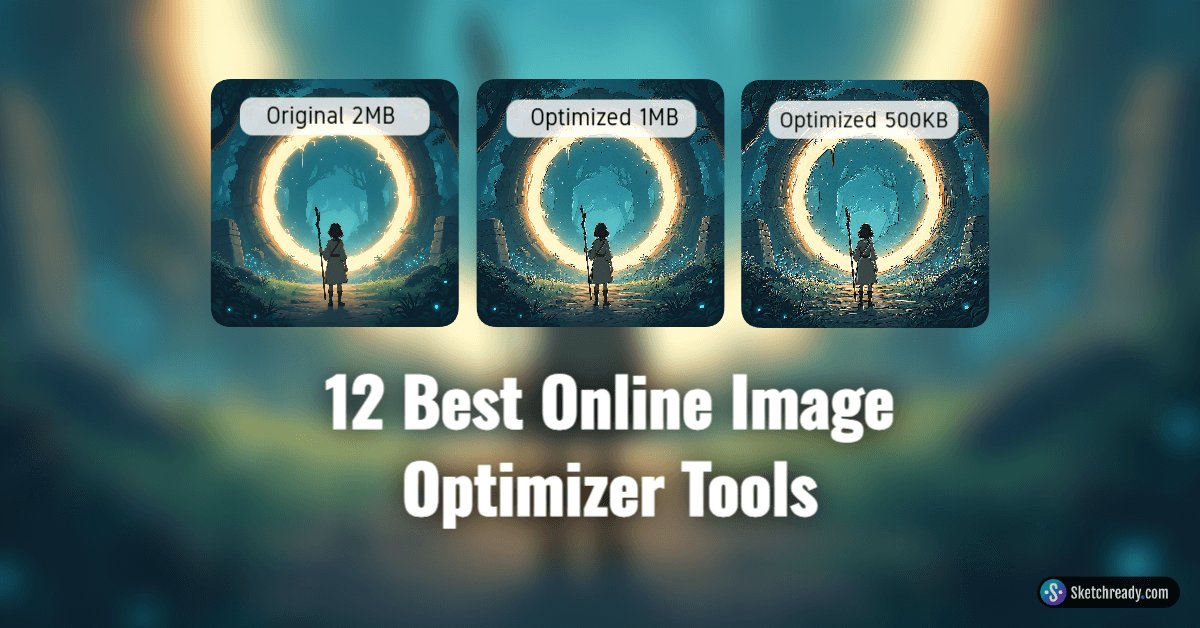
Optimizing images online has never been easier. Whether you're a blogger, developer, or business owner, these tools help shrink image file sizes—without compromising quality—and keep your site fast and responsive. Here’s a curated list of the 12 top image optimizer tools you can use right now:
1. Optimole Image Compressor
A user-friendly web tool that handles JPEG, PNG, and WebP. Upload up to five images (max 5 MB each) and instantly compare originals versus optimized versions with a slideshow interface. Integrates seamlessly with WordPress via a plugin for fully automated optimization.
2. Compress Now
Supports JPEG, PNG, and GIF formats with customizable compression levels. Great for fine-tuning quality. Can process up to 10 images of 9 MB each and delivers impressive JPG or PNG compression.
3. Online Image Tool
An all-rounder that compresses JPEG, PNG, GIF, and WebP files. Offers file conversion, resizing, rotation, endless batch uploads, and a sleek interface—including an in-page “add more” workflow and before/after slider.
4. JPEG Optimizer
Works with JPEG, PNG, and GIF. Compress up to 20 images at once with adjustable quality levels (1–99%) and optional resizing. Handles large files effortlessly, with no preset size limits.
5. TinyPNG
A popular classic for compressing JPEG and PNG files. Offers up to 20-image batches and convenient WordPress or Magento plugins. First 500 monthly compressions are free; great for seamless website workflow.
6. Optimizilla
Supports JPEG, GIF, and PNG formats. Lets you upload up to 20 images, compress them in bulk, and preview with a before/after slider. Shows per-image compression stats and allows selective saving.
7. JPEG.io
Accepts a wide array of input formats and converts them into compressed JPEGs. You can pull files directly from Google Drive or Dropbox and download results as a ZIP—great for convenience.
8. ImageRecycle
Unique for its support of PDF compression alongside images. Drag-and-drop single files on the homepage, or use the full optimizer for bulk uploads. Ideal for ebooks, reports, or large graphics.
9. Compressor.io
Offers both lossless and lossy modes for JPEG and PNG formats. Delivers impressive compression ratios, often saving users up to 90% in file size. The interface is user-friendly, and max file size for uploads is 10 MB.
10. Ezgif
Known primarily as an online GIF maker, Ezgif also handles JPEG and PNG compression with ease. Includes various editing functions, though compression results vary by format.
11. Squoosh
An advanced, modern browser-based tool from Google. Supports a range of formats and codecs and gives granular control over compression settings. Includes live preview tools to fine-tune optimization.
12. FreeConvert.com
A versatile online platform supporting a wide range of file formats, including JPEG, PNG, GIF, and WebP. Offers compression and conversion, batch uploads, and advanced settings like adjusting quality and dimensions. Free with optional premium upgrades for larger files or faster processing.
Final Thoughts
High-quality visuals are key for any website, but oversized images can slow everything down. That’s where online image optimizers come in—they strike the perfect balance between quality and performance.
This list of the 12 best online image optimizer tools gives you plenty of options, whether you’re after quick one-off compressions, batch uploads, WordPress integration, or advanced settings with live previews.
If you’ve been struggling with slow load times or bloated media libraries, now’s the time to put one of these tools to work. Imagine a lightning-fast site where images pop without lag, enhancing both user experience and engagement. Experiment, find your favorite, and make image optimization part of your regular workflow. Your visitors and search engines will thank you, and your website will become a prime example of speed and visual excellence.